
Overview & quick start
TabPico organizes open tabs, restores archived pages, and optionally keeps browsing records on your device. This guide covers the features available in the current 2.1.0 project.
Choose a topic in the left menu; on narrow screens, open Menu at the top. The language menu keeps you in the corresponding chapter. Documentation language and extension language are separate settings.
Start in three steps
- Pin TabPico from Chrome's Extensions menu, then click its toolbar icon to open the popup.
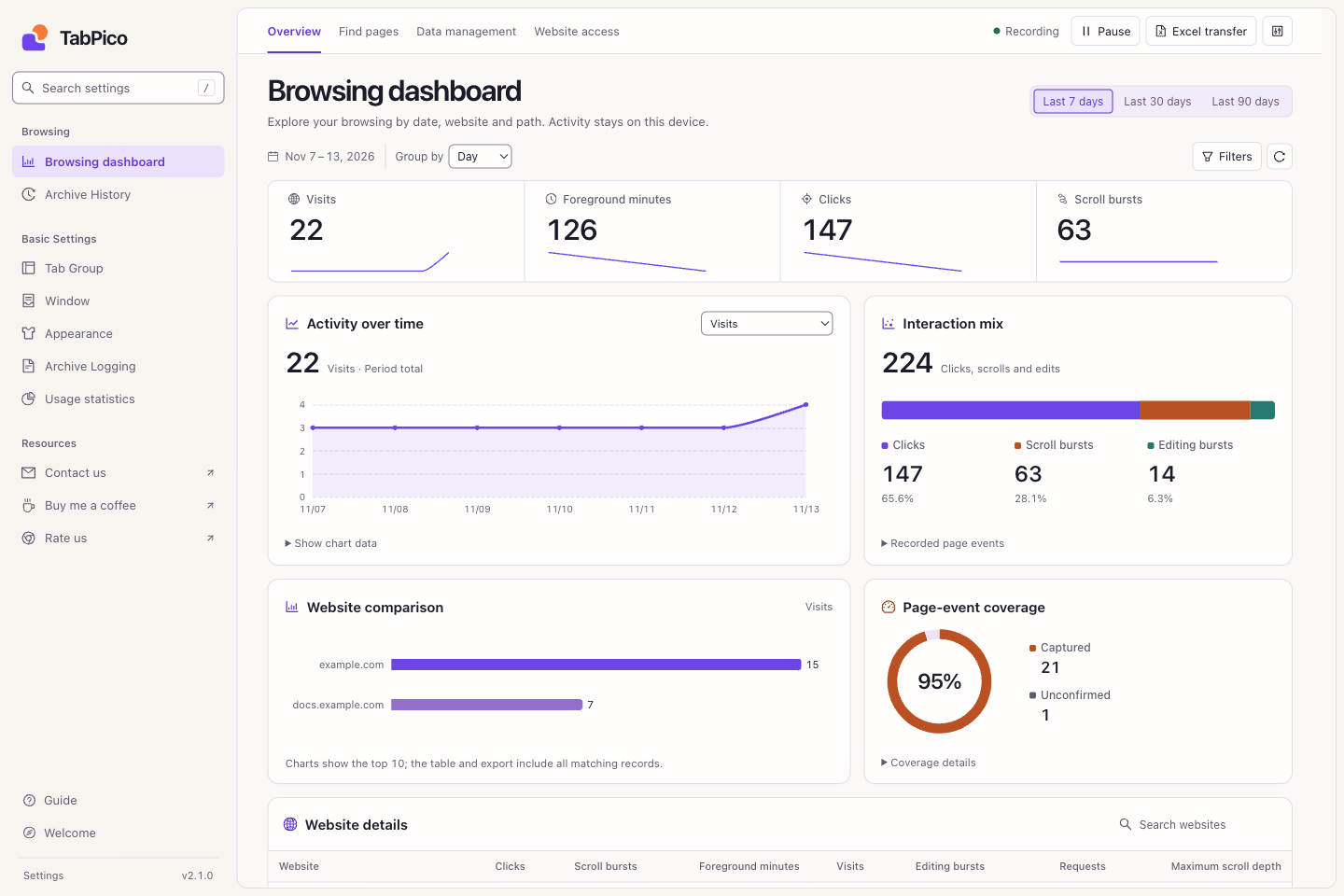
- Click the gear at the top right. Settings opens on Browsing dashboard, with Overview, Find pages, Data management, and Website access views.
- Open Appearance to choose the interface language and light, dark, or system color mode. Tab tools and archives work without enabling visit recording.
Choose a task
| What you want to do | Open this guide |
|---|---|
| Search pages or act on the current tab | Popup & action buttons |
| Group tabs, avoid duplicates, recover archives | Tabs & archives |
| Start or pause recording; allow selected websites | Recording & website access |
| Recover yesterday's pages or review site trends | Find pages & review activity |
| Move records to another computer or clear data | Excel & data management |
| Change colors and interface language | Appearance & language |
Get to know Settings
The sidebar switches between dashboard, archives, and preferences. The dashboard's top bar switches work views and contains recording status, pause, Excel transfer, and recording settings.
Screenshots throughout this guide show the real interface in an isolated browser, with illustrative example.com records. They do not show your browsing history. Click an image to view the original.
Three independent kinds of data
- Archives keep addresses of automatically archived tabs and work with visit recording off.
- Browsing records are off by default. Enable them to record future visits; page interactions require website access.
- Usage statistics are a separate, optional feature, also off by default. They describe use of extension features. See Troubleshooting.