
Appearance & language
Open Settings → Appearance. These controls change the extension. The documentation site's theme and language controls only change this site.
Light, dark, or system
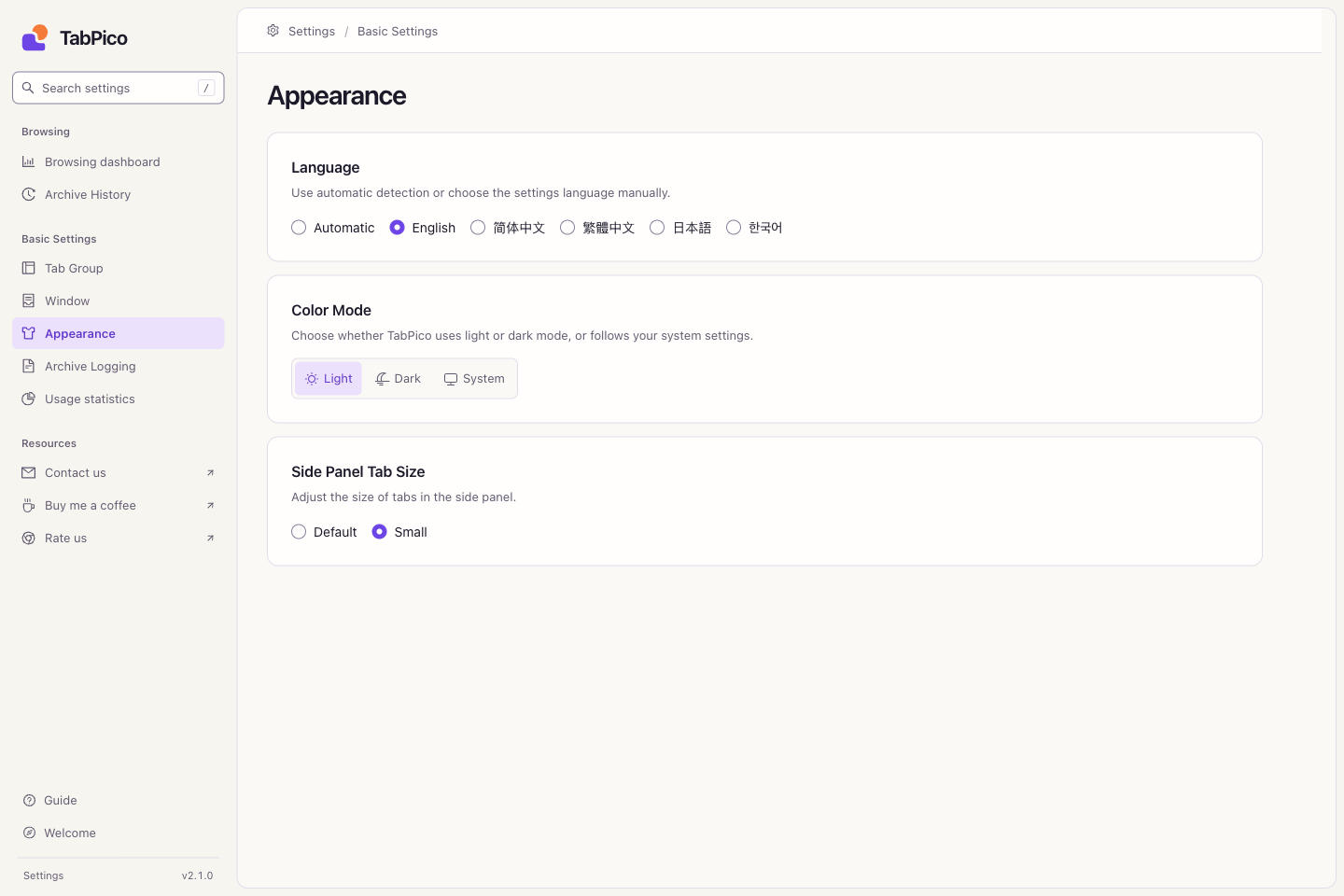
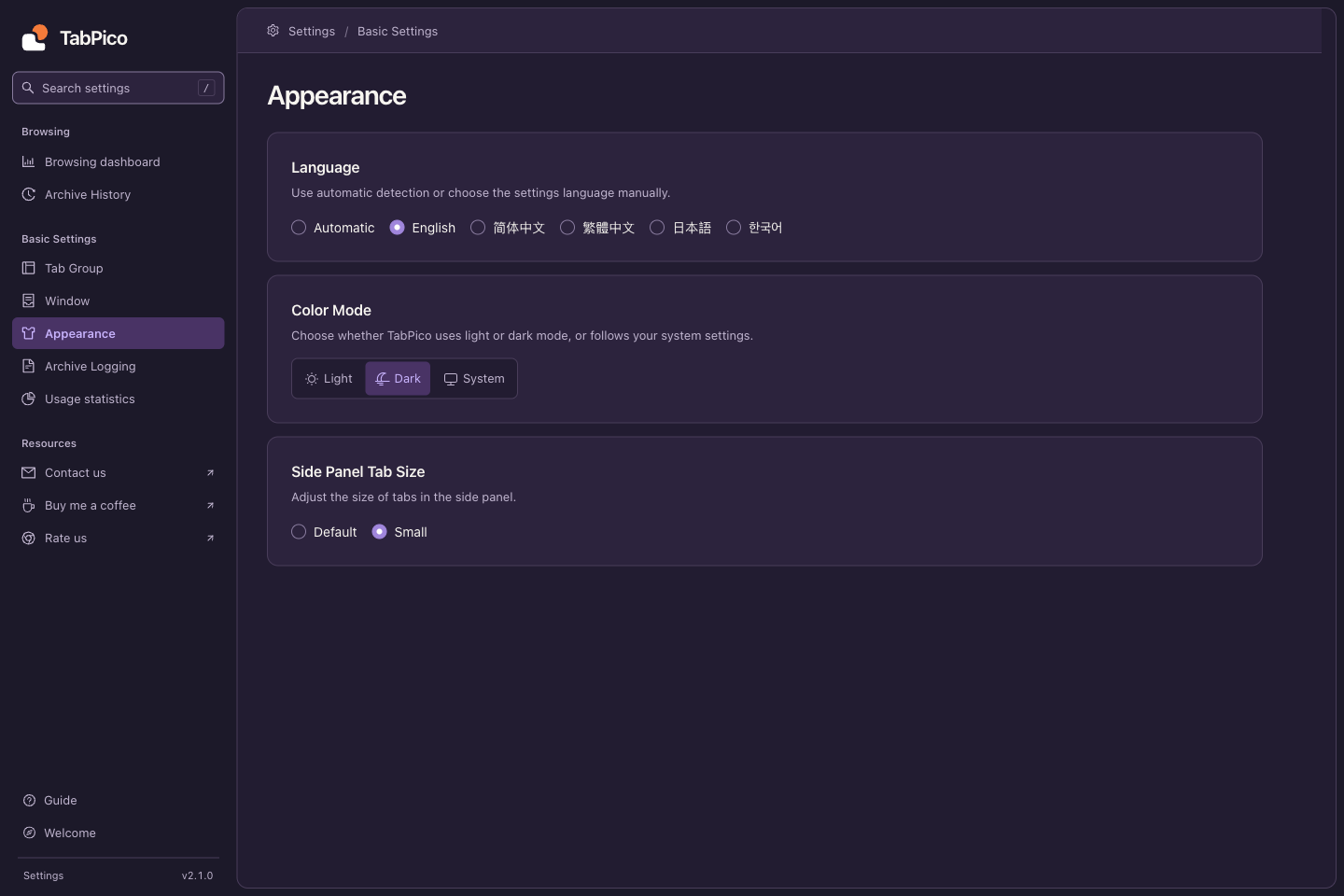
Choose Light, Dark, or System in Color Mode. The popup and Settings use the selection. System follows changes to your device's theme.
Interface language
Choose English, 简体中文, 繁體中文, 日本語, or 한국어. Automatic follows the browser's interface language and falls back to English for unsupported languages. A manual choice is saved locally and applies to popup, Settings, and exported Excel headings.
This documentation is available in the same five languages. Its language menu keeps the current chapter; on mobile use the top navigation menu. It does not change your extension's language.
Tab size and compact windows
Side Panel Tab Size is a retained setting that saves a default or small size. The current build has no corresponding side-panel view, so changing it does not resize the popup, Settings, or Chrome's native tab strip.
In Settings → Window, choose whether eligible links from other apps open in a Little Window. When enabled, qualifying new tabs open in a simplified compact window; turning it off disables this conversion. Whether a link qualifies depends on the type of browser window receiving it.